
Give Brena the project.
She'll build the plan.
Describe what you're building in plain language. Brena turns it into a real schedule — phases, tasks, dependencies, and the people to run it — so you spend your time managing the work, not building the spreadsheet.
No credit card required. Set up your first project in minutes.

From a blank project to a working plan — before your coffee's done.


A full schedule, not a starting point.
Describe the project once. Brena maps out the phases, tasks, and dependencies a real schedule needs — you review and adjust, instead of building it from a blank grid.

The right people, already assigned.
Brena builds out your work teams and puts them on the calendar against the plan — so staffing isn't a separate project you have to run after the schedule's done.

Ask, instead of digging.
Skip the status meeting. Ask Brena where things stand and get a straight answer pulled from the real project data — not a report someone has to build first.
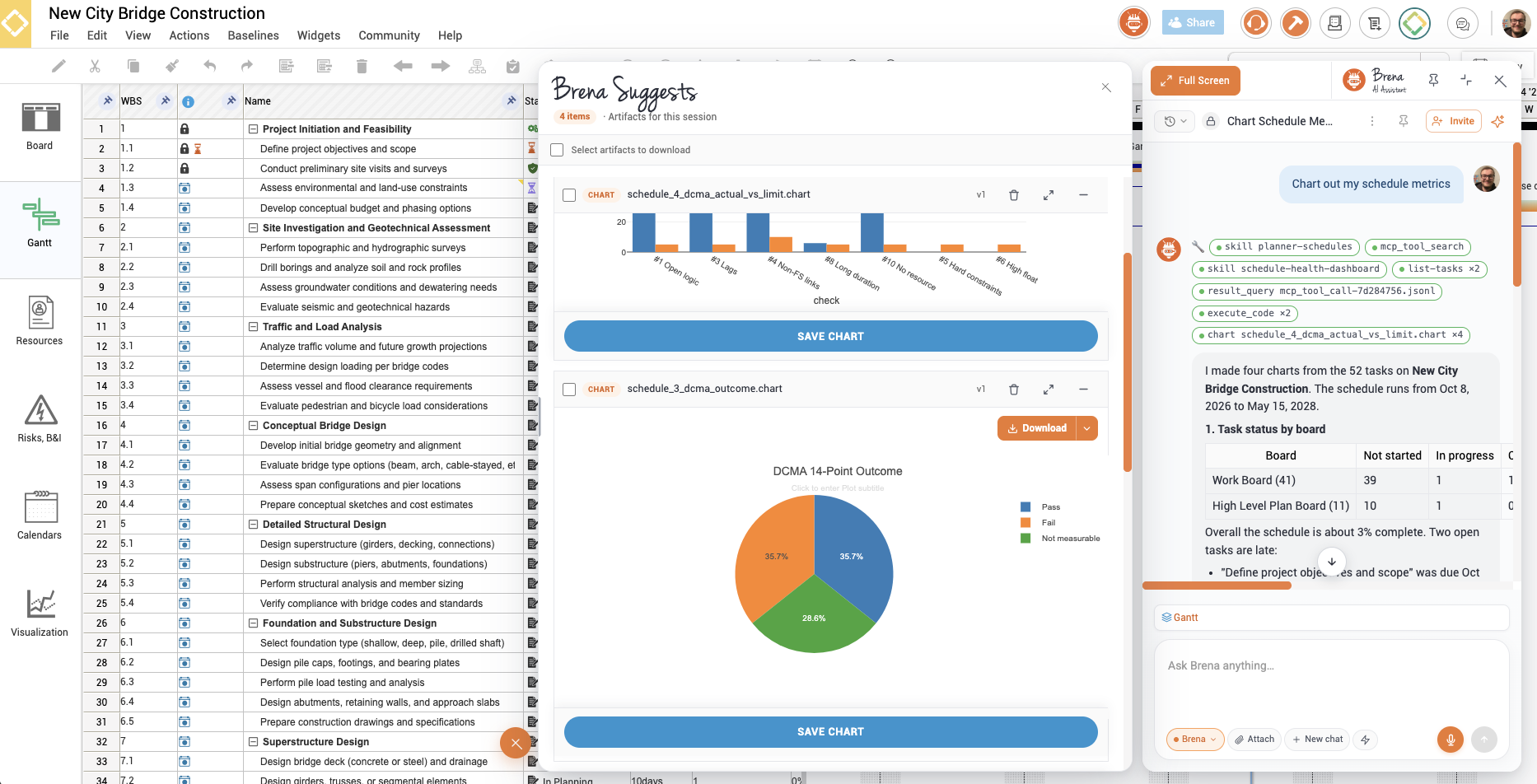
Type it, or say it.
Brena works the way you're already working — typed at your desk, spoken hands-free out on site — and picks right back up if you interrupt her mid-answer.
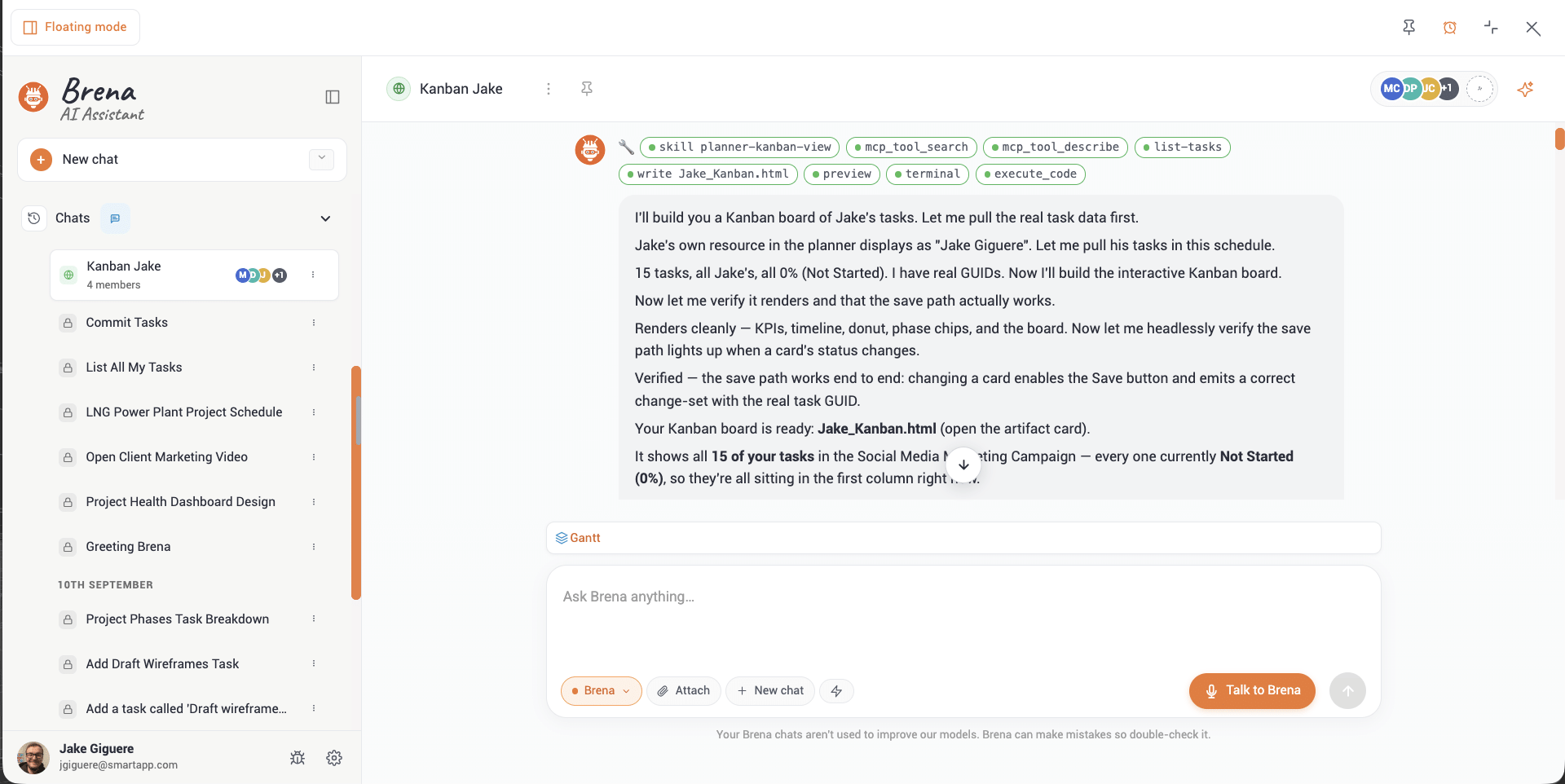
Think it through privately. Share when you're ready.
Every Brena® chat starts private, visible only to you. Invite teammates, and it becomes a public chat that only people already shared on the project can see, so access follows the permissions you've already set.
Common questions about Brena®
Is Brena® included in the free trial?
Yes. Every 7-day free trial includes Brena®, and no credit card is required.
Can I use Brena® by voice?
Yes. Type your request, or speak it hands-free wherever you're working. You can interrupt Brena® mid-answer, and it picks right back up.
Who can see my Brena® chats?
Every chat starts private, visible only to you. If you invite others, it becomes a public chat, visible only to people already shared on the project.
Does Brena® work with my MS Project files?
Yes. Import your MS Project or Primavera P6 files into gantterAI™, then ask Brena® about the schedule. You can export back to those formats anytime.
Is my data secure?
gantterAI™ is SOC 2 compliant, and Brena® chats start private.
Stop building schedules. Start running them.
Try Brena on your own project, or talk it through with a GantterAi expert first — either way, no long onboarding required.